Automated Bookkeeping
A system of smart automations saving you time on bookkeeping, quoting, invoicing and doing reconciliations.
The Problem
Wasting your Valuable Time on Low Level Bookkeeping Tasks
There’s no way around it - your business needs timely and accurate bookkeeping.
Depending on the size and maturity of the business, you likely fall into one of these three categories:
You, as the business owner, spend your valuable time entering bills, invoices and doing bank reconciliations.
Your business has a more matured finance function and a dedicated employee uses their time on these tasks.
You got sick of wasting your time on bookkeeping, so you started using a third party service, either local or off-shore to do this work.
All three of these buckets fall victim to the same reality: someone needs to do tedious, repetitive work, and you need to pay them.
But… what if you didn’t have to do that? What if you could automate the vast majority of this work and have it happen automatically while you focus on your actual business?
That’s why we’ve developed our automated bookkeeping solution.
Our Solution
For the purposes of this explanation, we’ll break our solution down into two parts:
Incoming Items
This bucket covers incoming bills, invoices, purchase orders and payments.
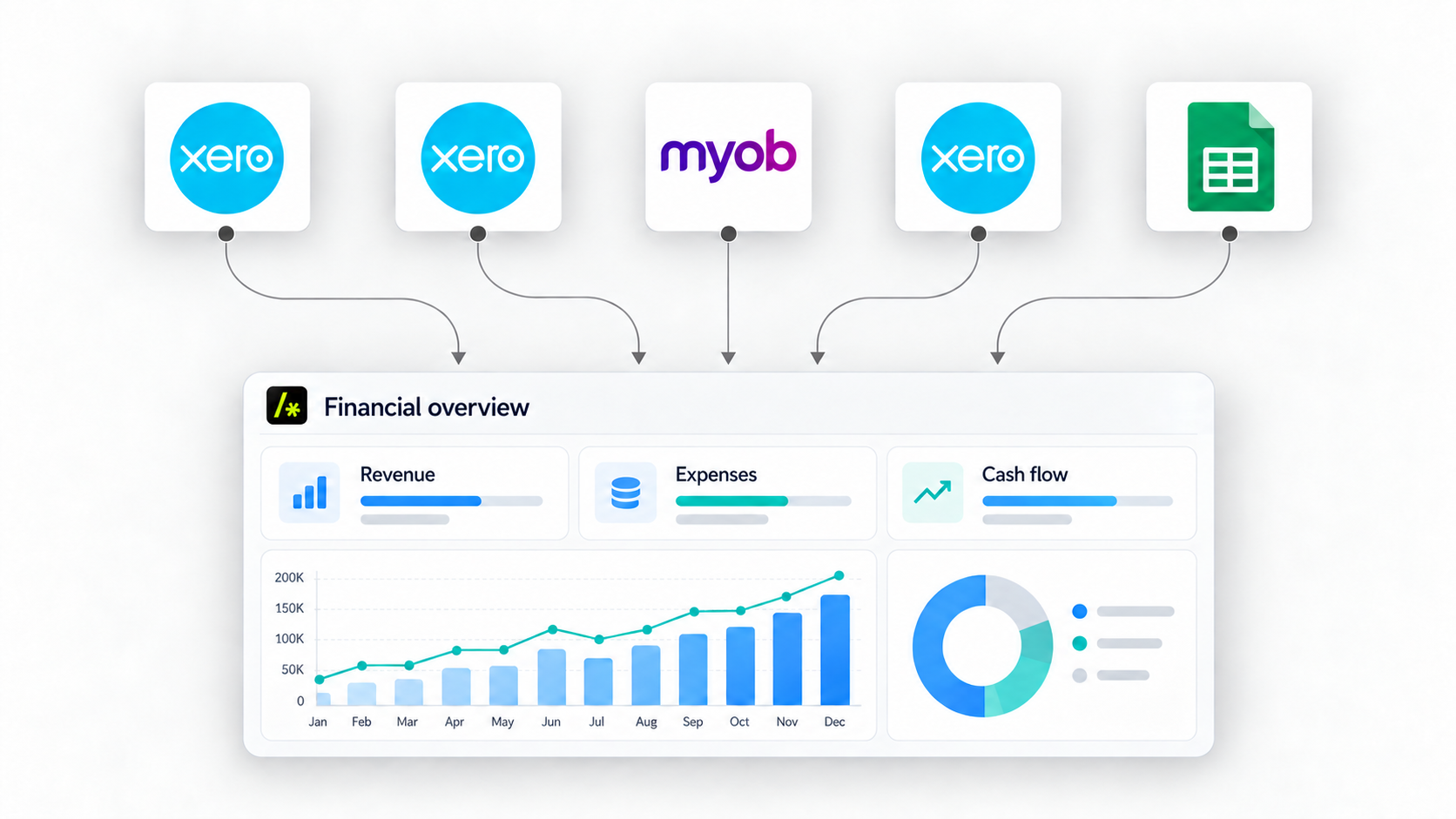
When these items arrive in the relevant business mailbox, our automated system uses AI to determine how each document should be classified and recorded in your accounting platform, whether that’s Xero, MYOB or another system.
The system then creates the appropriate entries, attaches supporting files such as PDFs, and applies the correct classifications automatically.
If a document or email is unclear, the system triggers a human-in-the-loop review and alerts your team that input is required. While it is technically possible to automate these cases as well, we generally recommend keeping a human review step whenever the AI’s confidence falls below an agreed threshold.
Outgoing Items
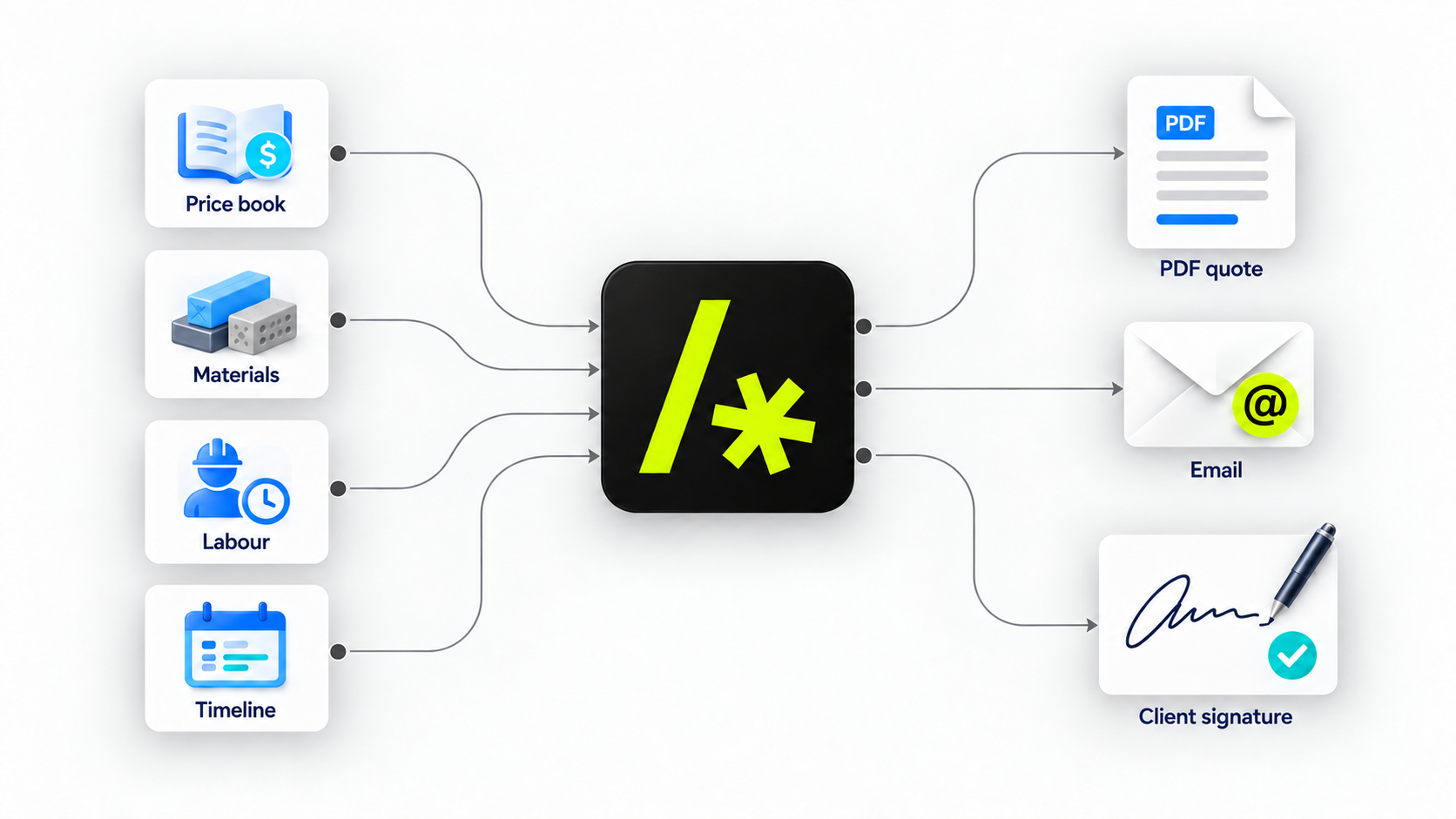
This part of the solution is usually more specific to your business. Depending on your industry and sales process, you may need to generate quotes, purchase orders, invoices, remittances or other financial documents.
Automating these workflows creates an opportunity to streamline and standardise processes that may currently rely on manual steps, spreadsheets or disconnected systems.
In some cases, this means building a simple internal tool for your team to enter the information needed to generate these documents. From there, the system can automatically create the required documents and send the relevant data into your accounting platform.
In our experience, a purpose-built internal tool often provides a much better experience for your team than relying on the standard interfaces built into major accounting platforms. It can be designed around the way your business actually works, while still keeping your accounting system fully up to date.
How We Work
Step 1: Audit & Structural Discovery
This critical step is where we really get to know your business and understand where the bulk of your bookkeeping time is being spent.
That then lets us put a plan together for what can be automated, and how much value (ROI) it’s going to bring to the business based on time saved and project investment.
This process of discovery is very important, because if 90% of your bookkeeping time is being spent on entering bills / payments, that may be the only part worth automating to begin with, since it will get you the biggest bang for buck.
Step 2: Custom Architecture & Automation Build
Once we have a clearly defined scope, we design and build the system required to automate those processes, including a custom interface, database and the automations required to make it all work.
We build and test the solution using representative real-world data such as emails, bills and invoices, while directing all outputs into sandbox environments for Xero, MYOB or any other relevant accounting platform.
This allows us to validate the system against the way your business actually operates without making changes to your live accounting data.
Step 3: Deployment, Validation & Handover
Once the solution has been thoroughly tested and validated against sandbox environments, we schedule and execute the live deployment.
During this step, we connect the automation workflows directly to your live email channels and production accounting system. We then perform end-to-end validation checks to ensure all incoming/outgoing items and data mappings with your existing accounting practices.
Finally, we hand over the system to you and your team. This includes providing clear operational documentation, setting up alerting mechanisms for any low-confidence or 'human in the loop' exceptions, and training your staff so you can confidently monitor and maintain your streamlined bookkeeping operations.